Gatefold Mockups Tutorial
01:40
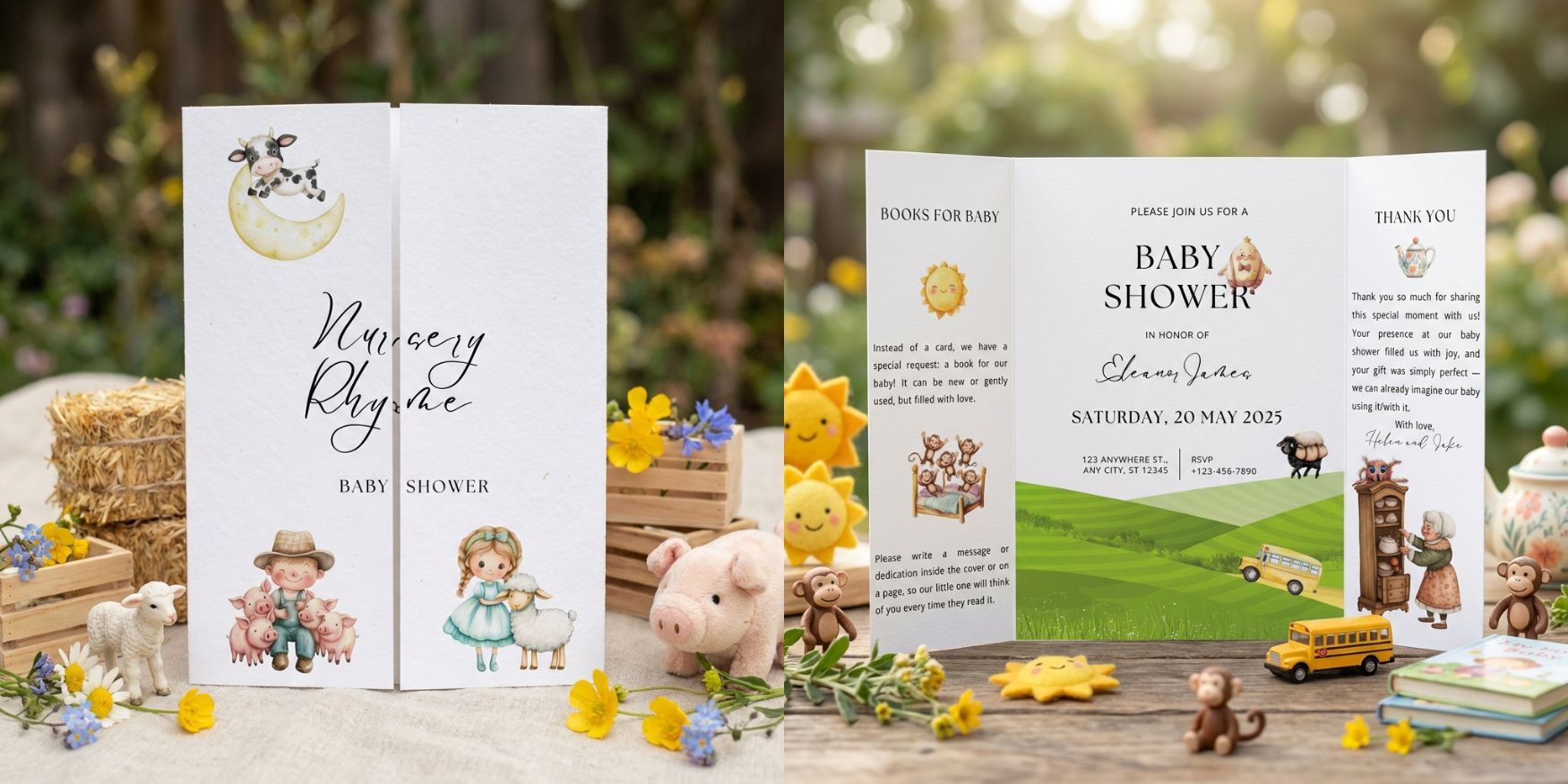
In this tutorial, I show you how to create gatefold mockups inside printable paper goods.
Gatefold mockups require uploading designs in a specific order, depending on whether the gatefold is open or closed.
For a gatefold closed mockup, you’ll need to upload two designs:
• First, the left side
• Then, the right side
Uploading them in the correct order ensures the panels are placed properly.
For a gatefold open mockup, you’ll upload three designs:
• Left panel
• Middle panel
• Right panel
Once the designs are in order, you can select your usual options and generate the mockup. The same logic applies to gatefold cards as well — just make sure the design order matches the layout.