Every tool. One place.
A complete toolkit for Etsy sellers, print-on-demand creators, and designers. Generate mockups, merge designs, upscale to 4K, convert DPI, and check patterns.
Create a free account
AI Catalog Mockups
Apply your design to a curated catalog of printables and print-on-demand products and let AI generate photorealistic, on-brand mockups for your listings.
Explore →
Custom Product Mockups
Upload a photo of your physical product and optional design overlay to generate photorealistic AI mockups placed in custom scenes for any niche.
Explore →
Blank Mockups
Generate blank, design-free product mockups in AI-styled scenes. Upload an optional inspiration image to guide the mood, but the product itself stays clean and ready for buyers to customise.
Explore →
Mockup Merge
Apply any design to an existing mockup template photo using AI. Perfect if you already own mockup bundles and need to drop designs onto them quickly.
Explore →AI Image Upscaler
Upload any PNG/JPG — each upscale pass grows the long edge roughly 4×, capped near 4000px. Great for listings, printables, and POD.
Explore →
Bulk DPI Converter
Change the DPI metadata of your PNG and JPG images in bulk for print-ready output. 100% browser-based — your files never leave your device.
Explore →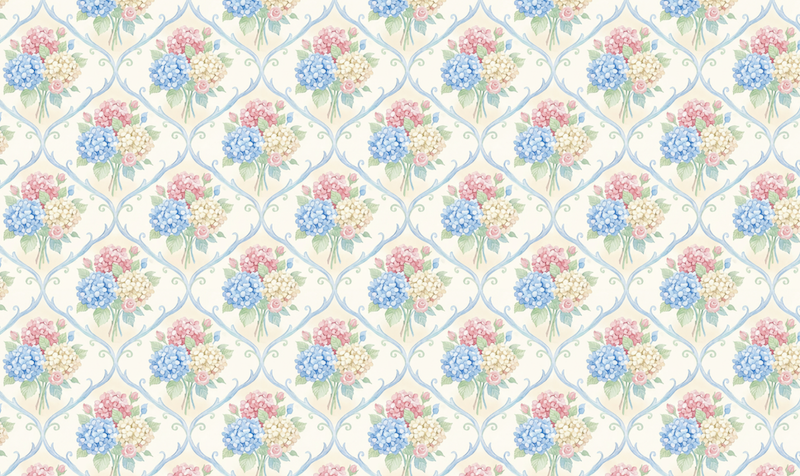
Seamless Pattern Checker
Instantly check whether a pattern tiles seamlessly. Upload your PNG or JPG, view it tiled at any size, drag to inspect, and export a ready-to-use 1000px preview.
Explore →
Remove Background
Upload a batch of JPG, PNG, or WEBP files and remove backgrounds in one go. Finished jobs appear in a results grid like your mockups: tap a tile to review the cutout with zoom and pan (on phones, review opens in a drawer so scrolling doesn’t fight the canvas). Select multiple tiles to download a ZIP of just those PNGs — credits apply per image processed.
Explore →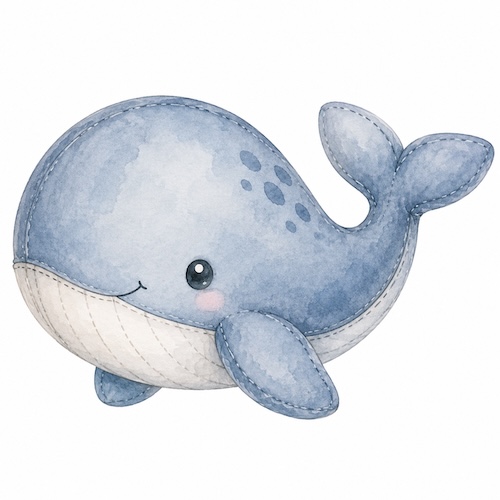
AI Creator
Text-to-image with brace lists that expand into batches. Prompts and results stay in your workspace — not in a public gallery.
Explore →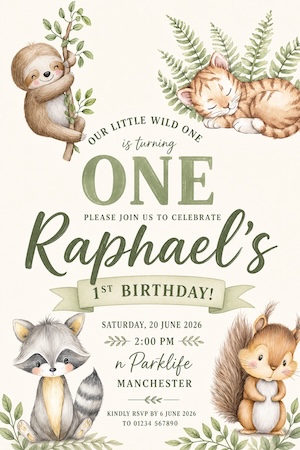
Invite Designer
Stationery-focused invite and card generator: upload up to 6 clipart files, pick from 7 product presets, and receive flat printable artwork.
Explore →Every tool. Zero friction.
Every tool on this page lives inside your Mockably dashboard. Create a free account — no credit card required.
Start free