Get Ideias for your mockups in 10 Secs!
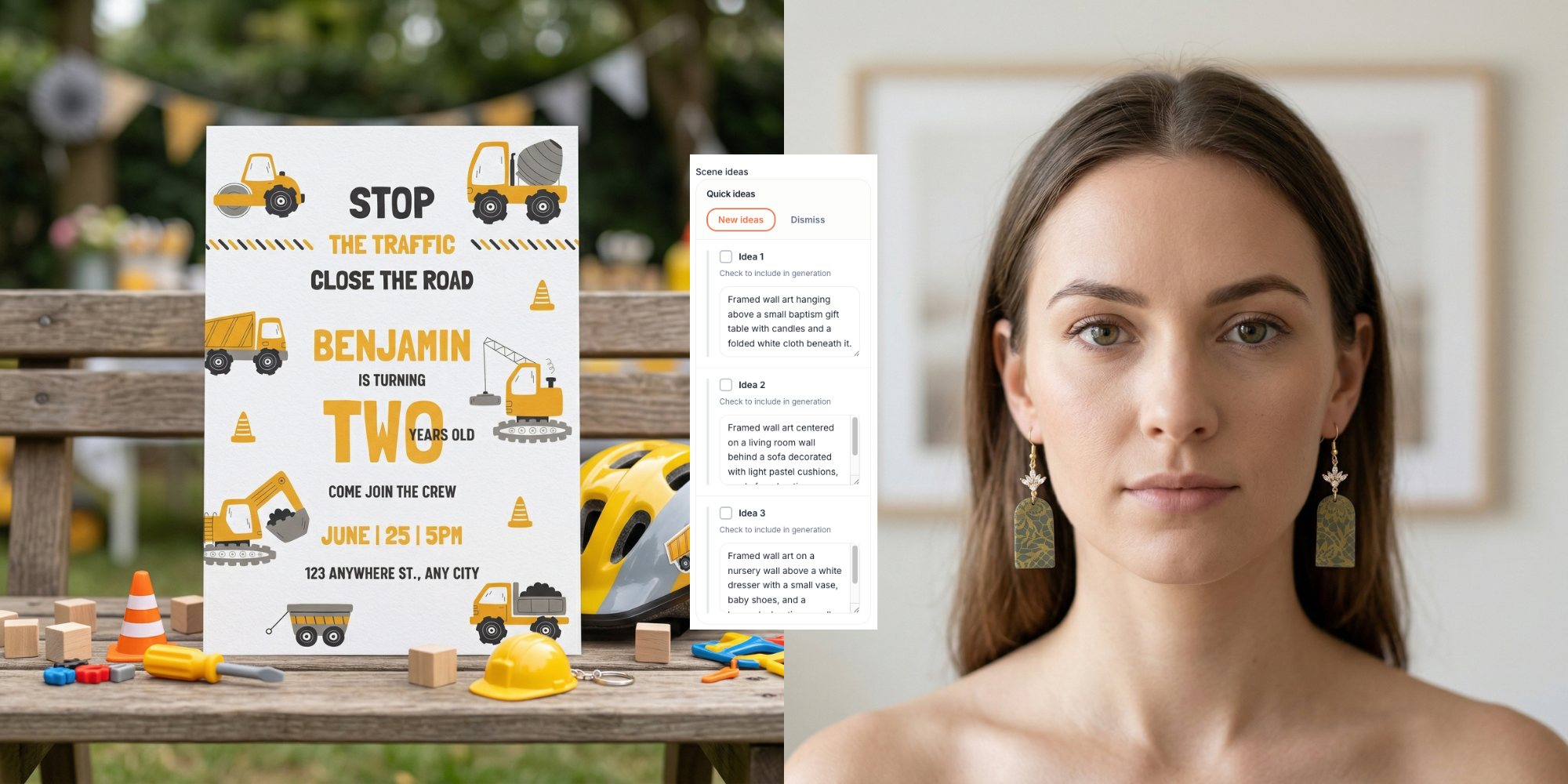
We’ve introduced a new way to help you create ideas for your Additional Scene Notes.
The Additional Scene Notes field is the last optional section where you can describe what you want to happen in your mockup scene. For example, you might write a boy holding the invitation or a woman wearing the earrings. This is where you can add more detailed ideas for your mockup scene, but sometimes it’s hard to know what to write.
So now we added a new tool called Get Ideas.
After you fill in your inputs and select your product, you can click Get Ideas. In about 10 seconds, Mockably will generate three different scene ideas for you to choose from.
For example, you might see ideas like:
A child standing in the backyard holding the invitation
The invitation placed on a small outdoor table with styled props
A close front view of a parent’s hands presenting the invitation
If you don’t like the ideas, you can edit them, delete them, or click New Ideas to generate three new ones.
To use an idea, simply click on it, the selected idea will highlight. You can select one, two, or all three ideas. If you select three ideas, Mockably will generate three images (one per idea). The credits used will depend on the image quality selected.
This feature works for:
Catalog Products
Custom Product Tool
Blank Mockups
Just fill in your inputs, click Get Ideas, choose your favorite ideas, and generate your mockups.
We hope this new feature helps you discover new creative mockup ideas and create even more unique scenes with Mockably.