Mockably Overview
13:00
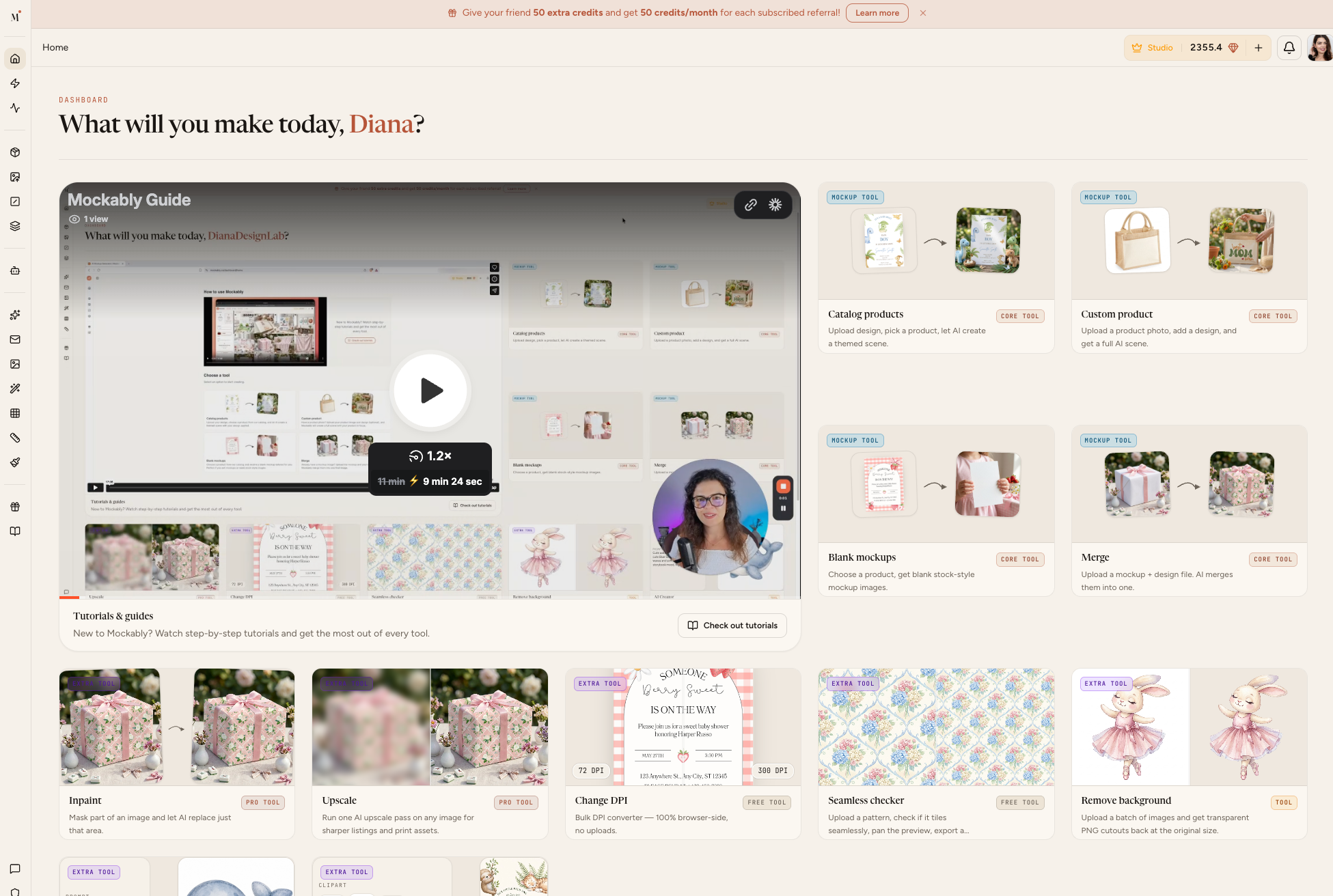
Welcome to Mockably.
In this tutorial, I’ll give you a quick overview of how the app works and what you can do inside it.
Mockably has two main tools:
• Create – generate brand-new mockups for printables or print on demand products
• Merge – add your design to an existing mockup image
You’ll be able to choose products, themes, environments, camera angles, image quality, and download your mockups in just a few clicks.
This video will help you understand where to start and which tool to use first.