Stained Glass from Prompt to Mockup (Step-by-Step Tutorial with Mockably)
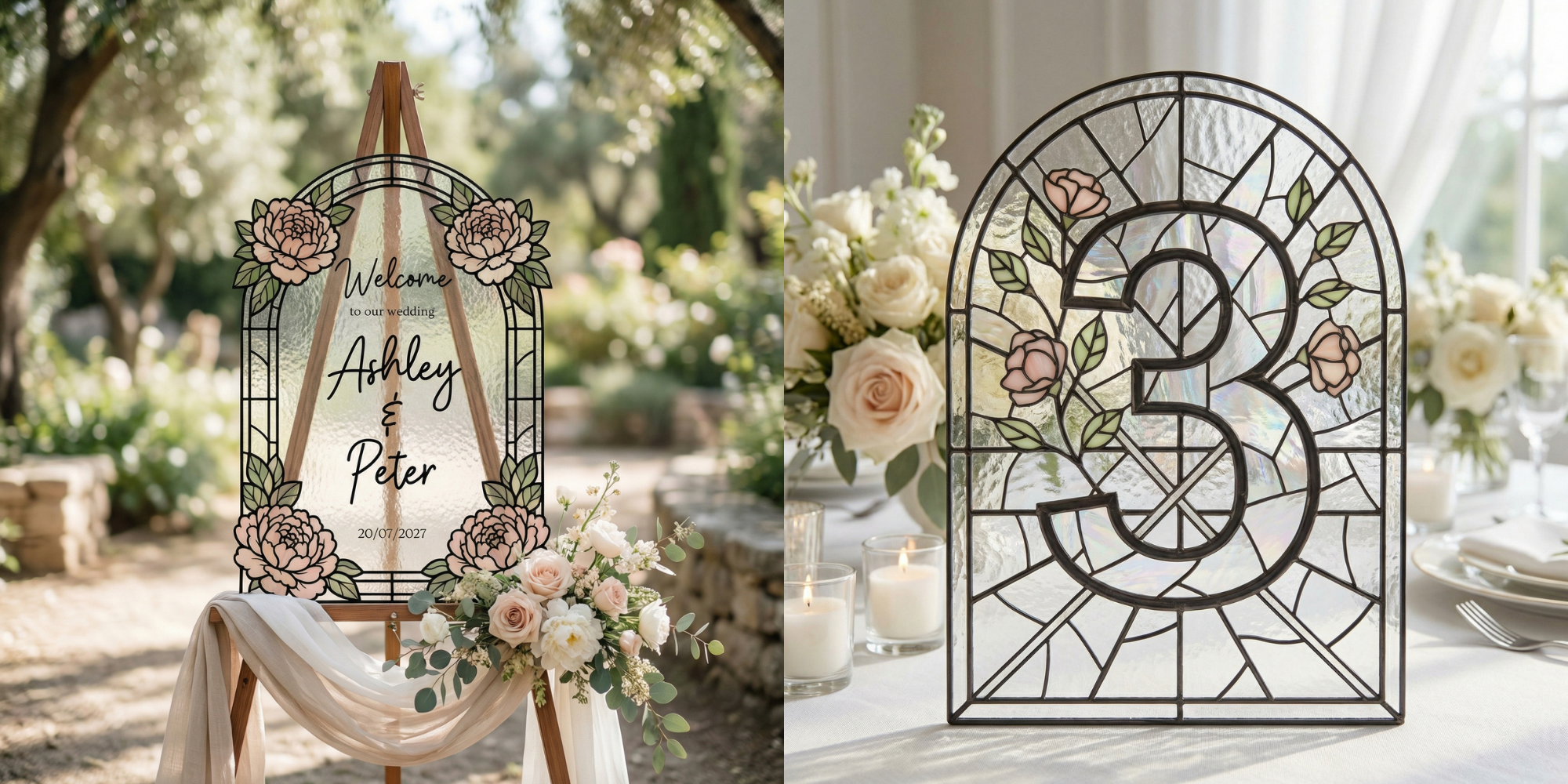
Creating professional listing images for digital products doesn’t have to be complicated, especially if you’re working with trending items like stained glass templates.
In this tutorial, I walk you through the complete workflow, from generating stained glass designs with AI prompts to turning them into clean printable templates. Once your design is ready, the final step is creating realistic mockups so your product looks polished and ready to sell.
That’s where Mockably comes in ✨
Using Mockably, you can quickly place your template into styled scenes without needing Photoshop or advanced design skills. Simply upload your design, choose a mockup scene, adjust the fit, and export a high-quality image ready for your Etsy listing or shop.
This process makes it easy to transform a simple digital file into a professional product presentation that attracts buyers.
If you’re looking for a beginner-friendly way to create sellable digital products, especially trending ones, this workflow is a great place to start 💛