Using Additional Scene Notes to create Unique Mockups
05:00
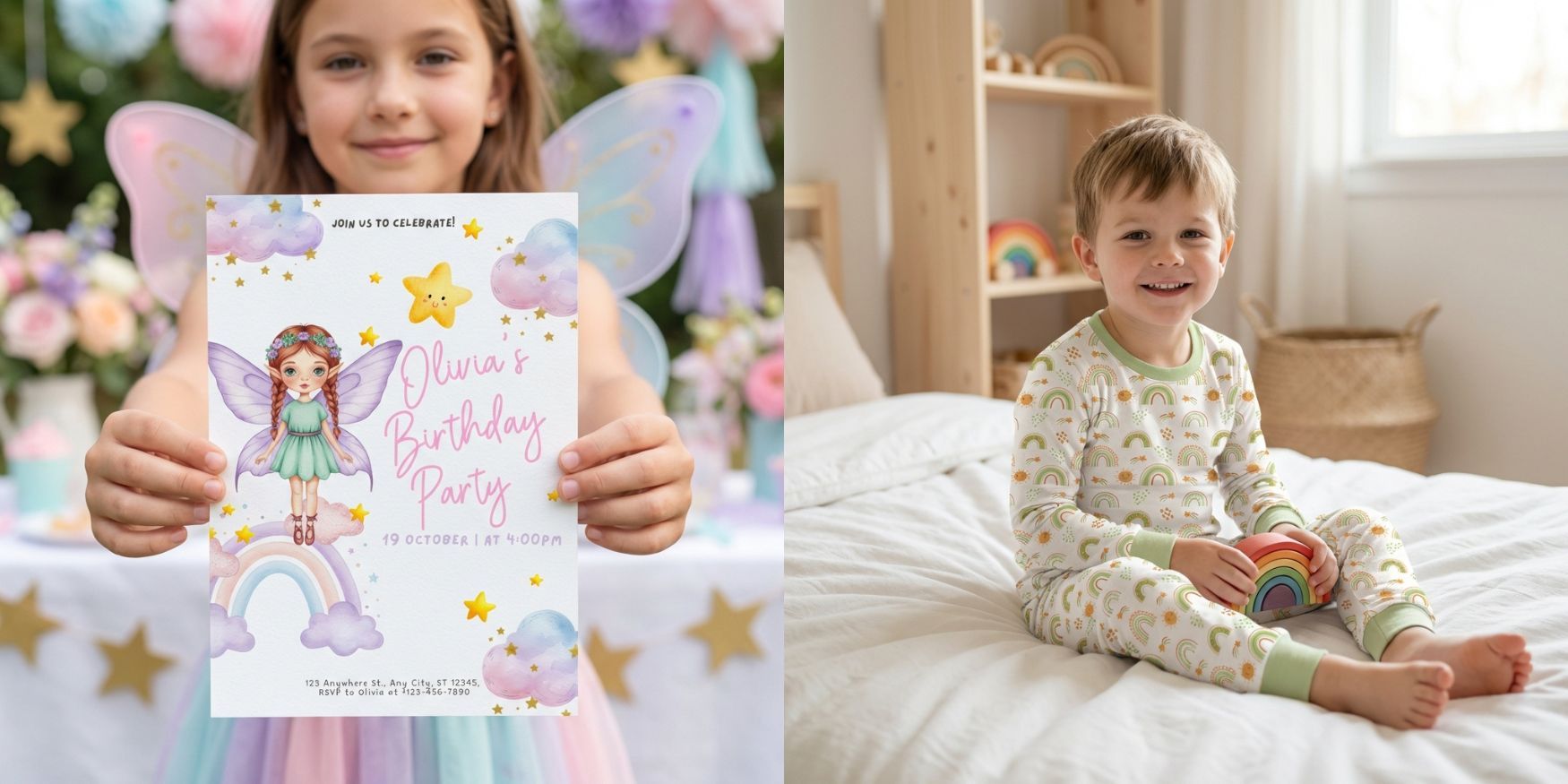
In this tutorial, I show you how to use Additional Scene Notes to make your mockups feel more real and natural.
This optional step lets you describe what’s happening in the scene, not just the product itself.
You can use it to:
• Show kids coloring activity or activity pages
• Add hands holding invitations or cards
• Show a child holding an invite facing the camera
• Add people, pets, or small actions to POD products
• Change how blankets, clothing, or fabric items are displayed
For example, you can describe a child coloring with crayons, hands holding an invite, a kid wearing pajamas, or even a blanket rolled, folded, or being used in a scene.
This tool gives you more creative control and helps your mockups look more lifelike and engaging.