Merge Tool Tutorial
2:50
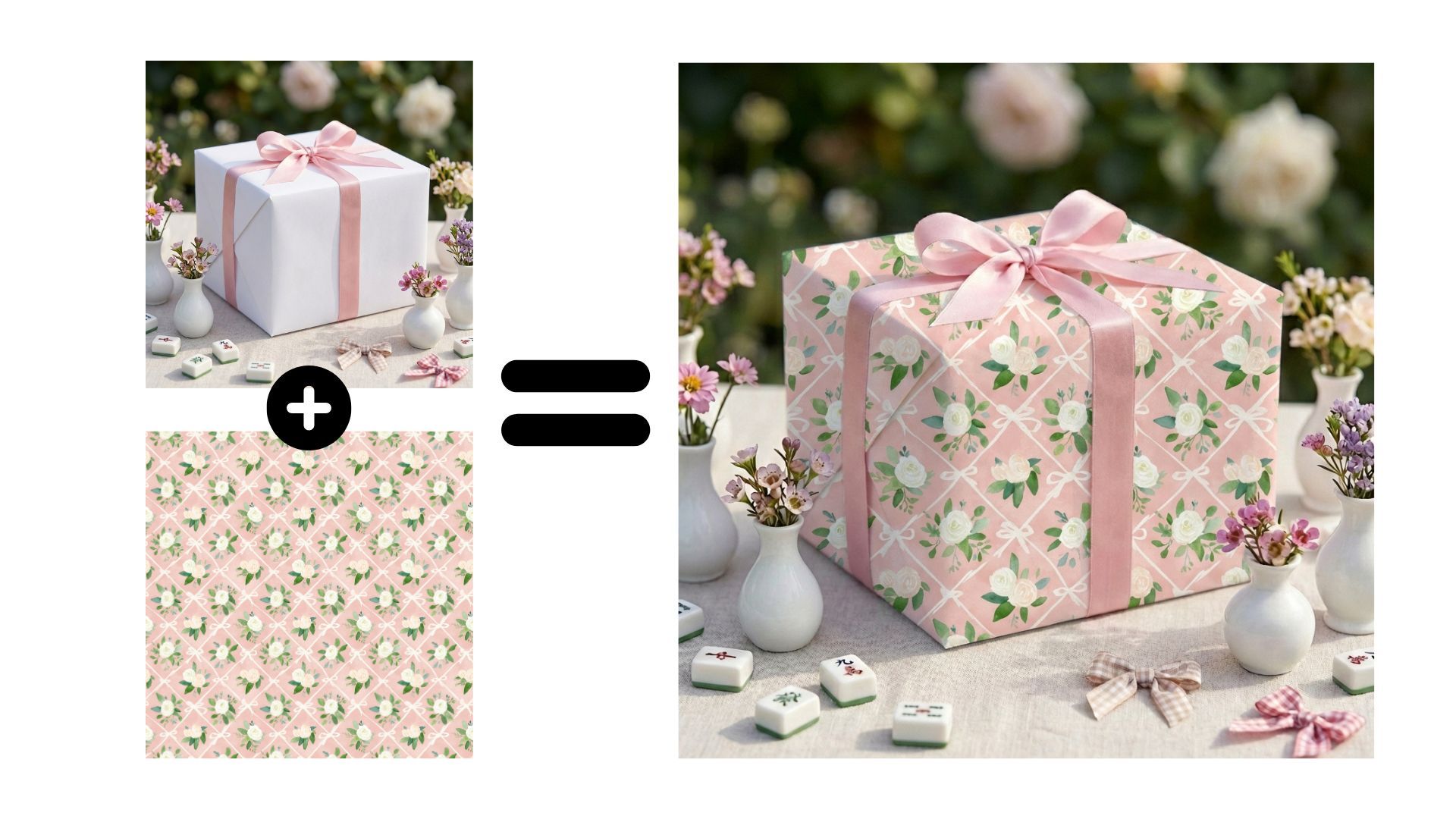
In this tutorial, I show you how to use the Merge tool.
Merge is useful if you already have a mockup image created elsewhere and want to add your design to it, without using Photoshop or Photopea.
With Merge, you can:
• Upload a blank mockup image
• Upload your design or pattern
• Merge both together in seconds
This works especially well for seamless patterns, tablecloths, fabrics, and other surfaces that would normally take a long time to adjust manually.
The final result is downloaded as an image, not a Photoshop file, making it perfect for Etsy listings or showcasing how your design looks on real products.
You can also use Merge if you created the blank mockups with another AI tool and want to quickly apply your design inside Mockably.